By WitMotion

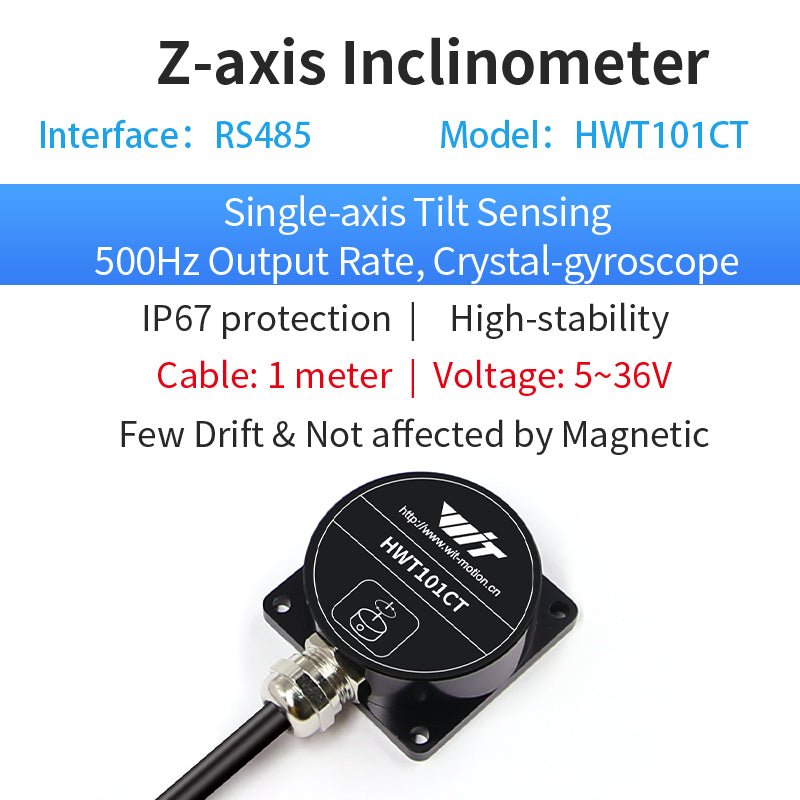
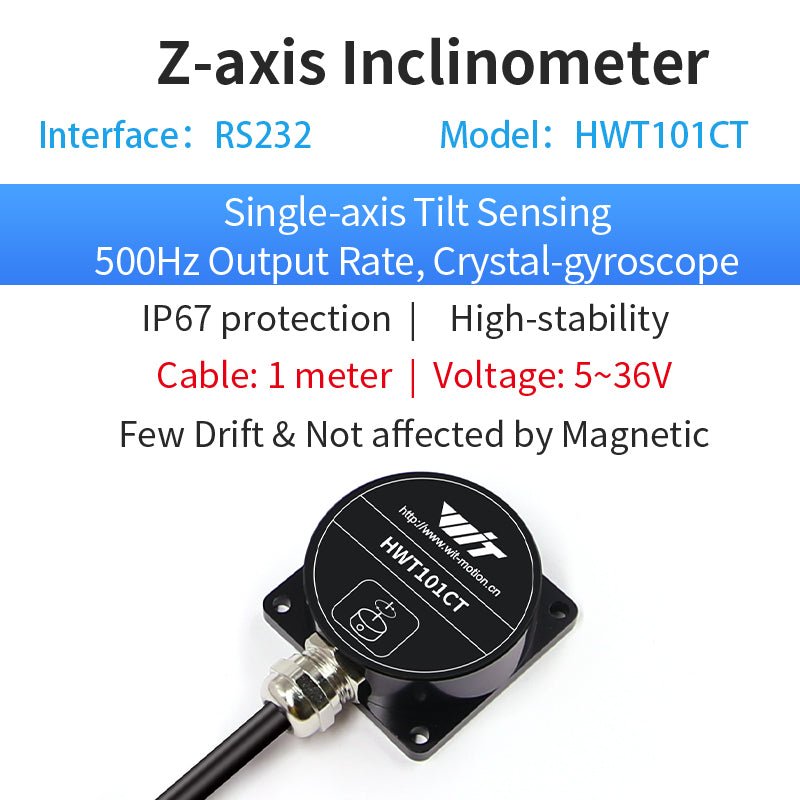
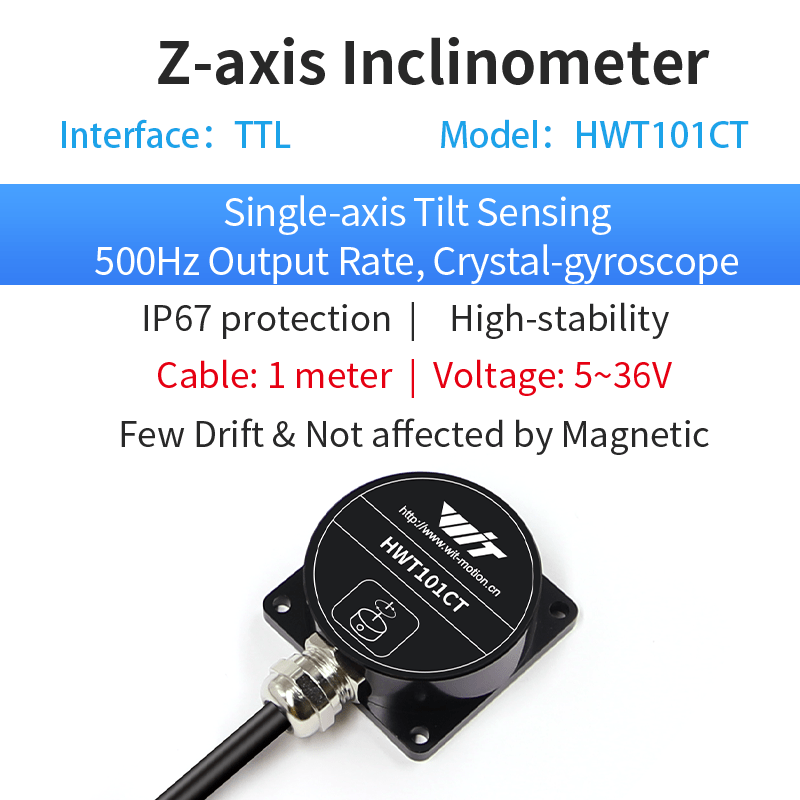
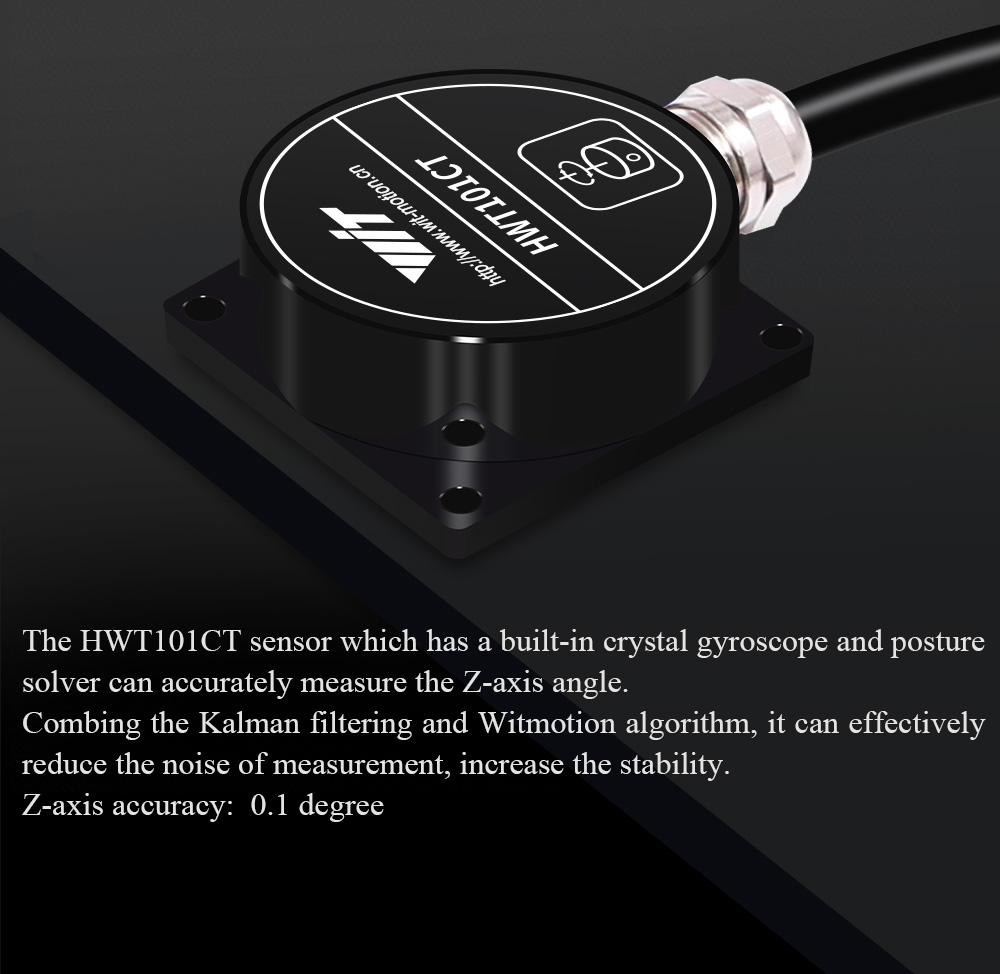
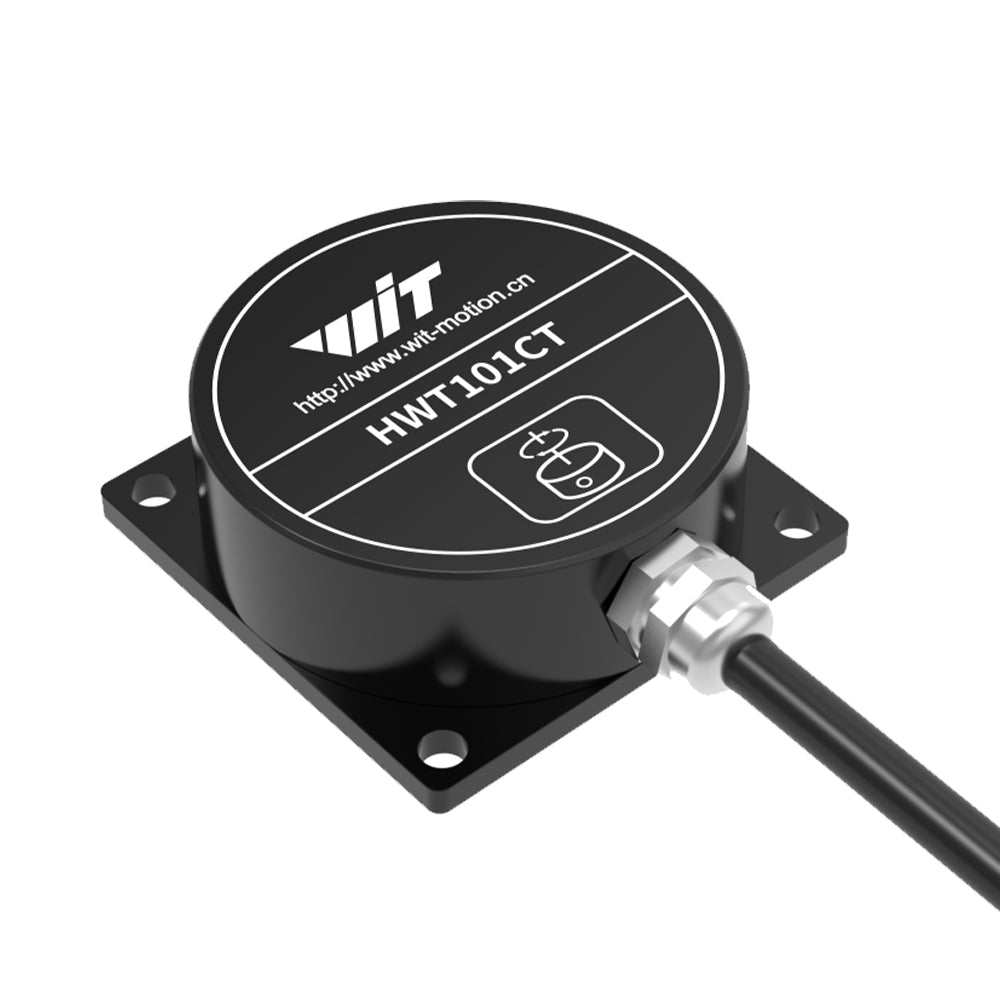
[HWT101CT] Z-Axis 1000HZ IP68 Z-Axis 0.1°Crystal Inclinometer, MEMS Tilt Angle Sensor

$61.90 - $72.00
Shipping calculated at checkout.
样式: HWT101CT-485
Regular price $72.00
Regular price $80.00 Sale price $72.00
Save $8.00

Regular price $72.00
Regular price $80.00 Sale price $72.00
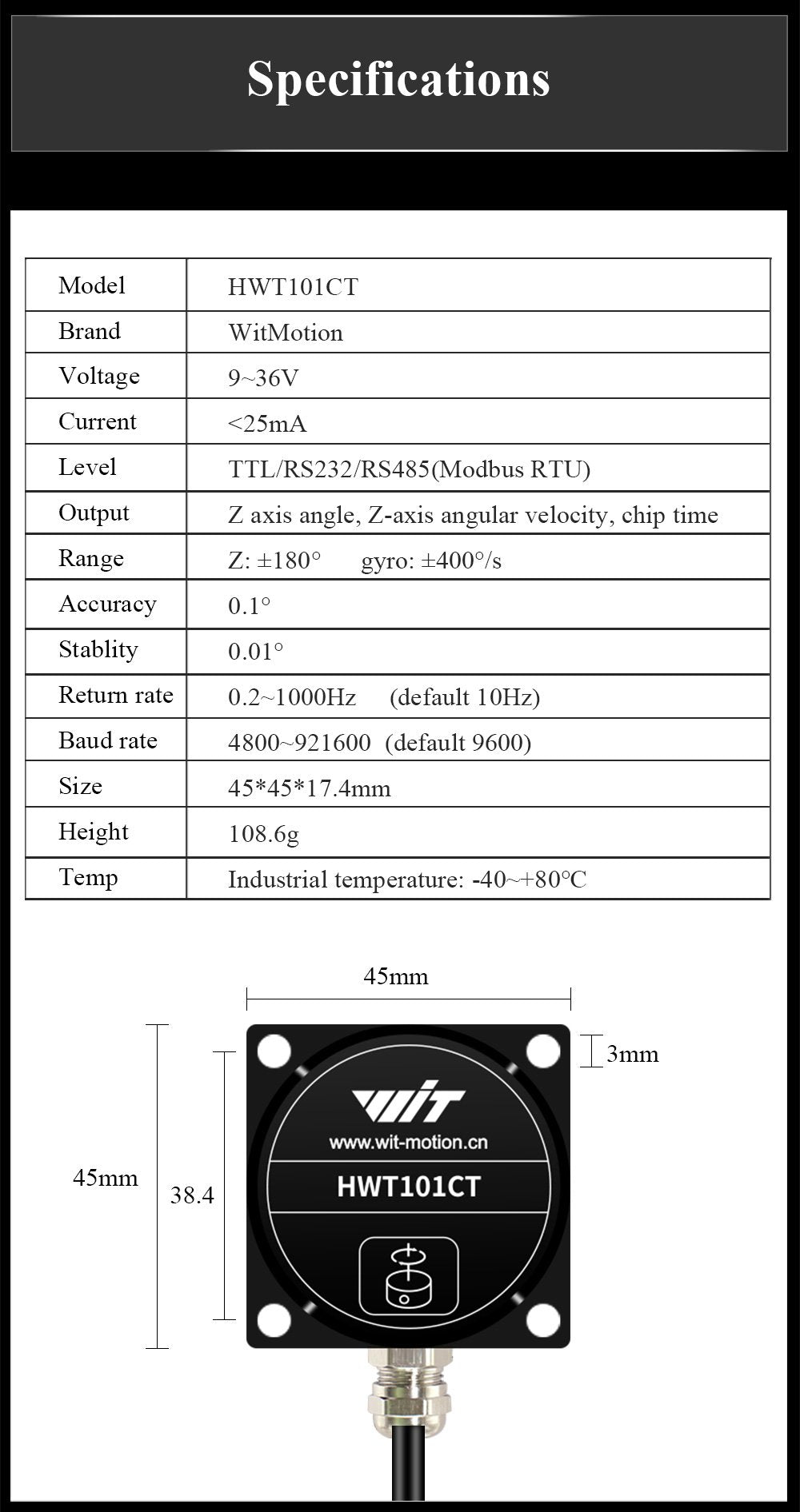
Product HWT101CT-TTL/232/485
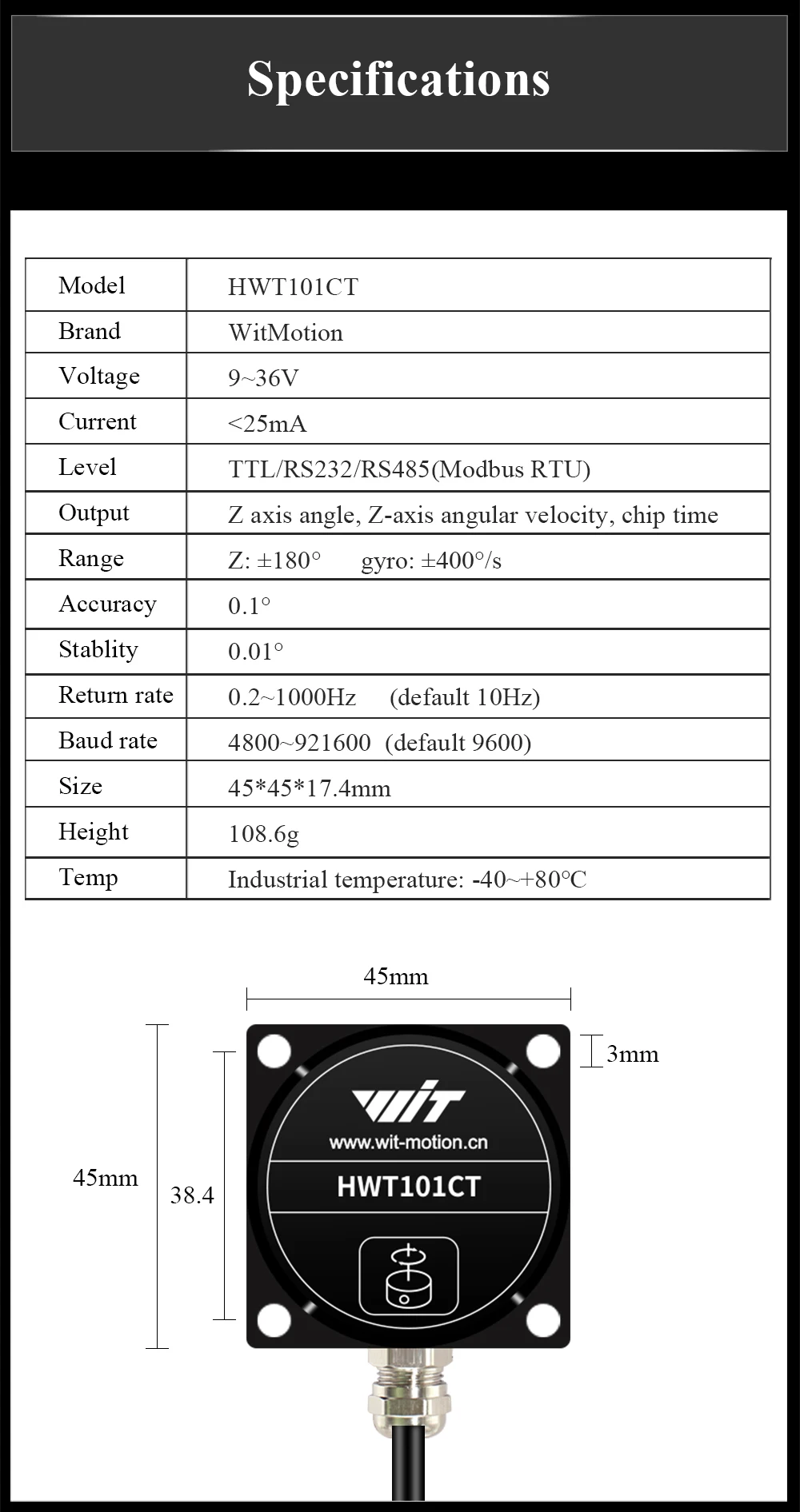
Operating Voltage 9-36V
Current <25mA
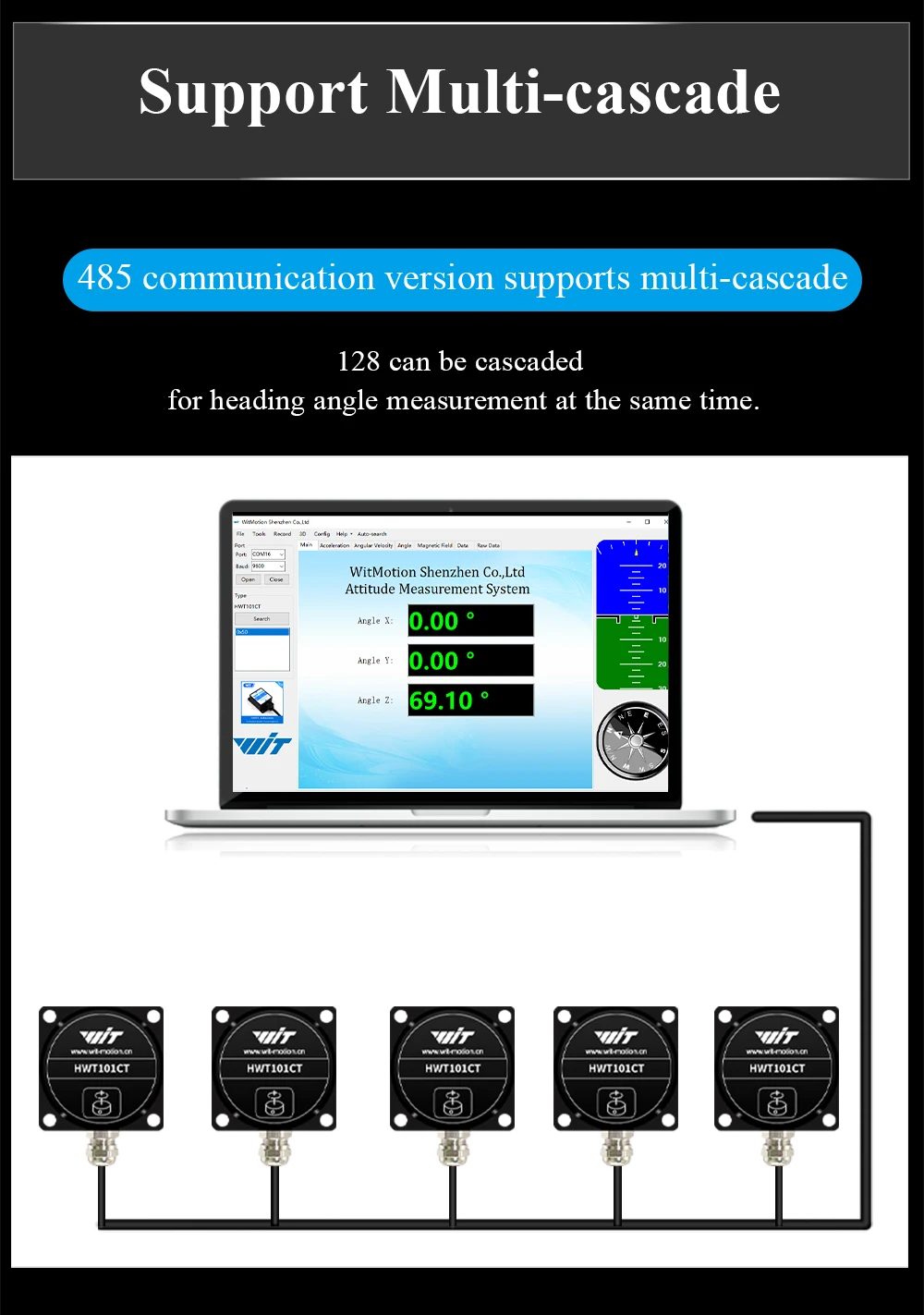
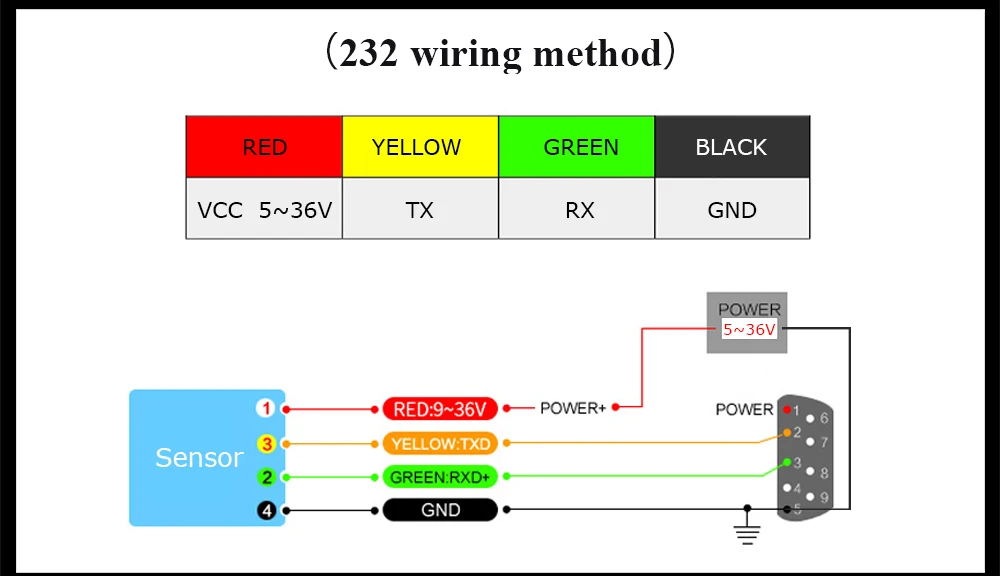
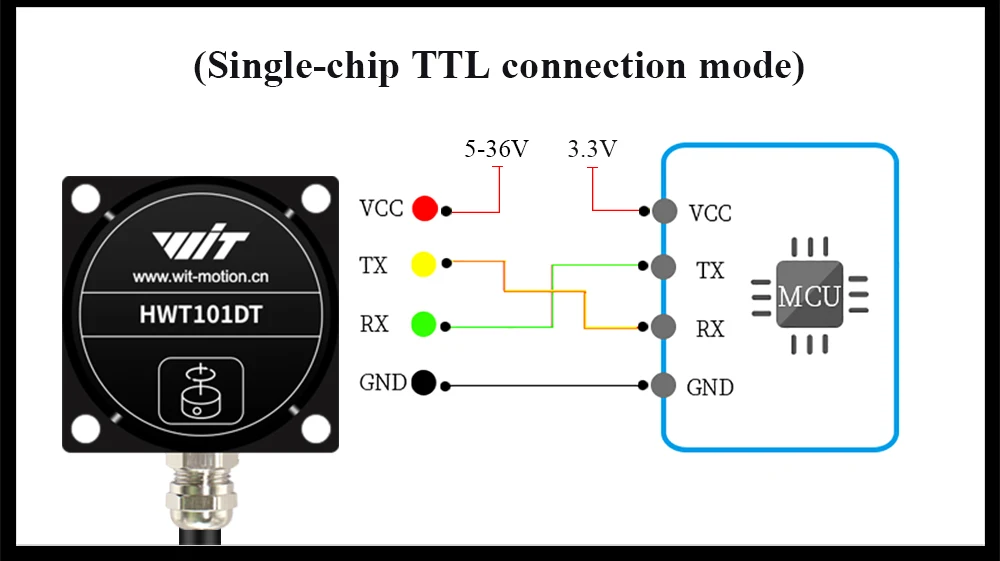
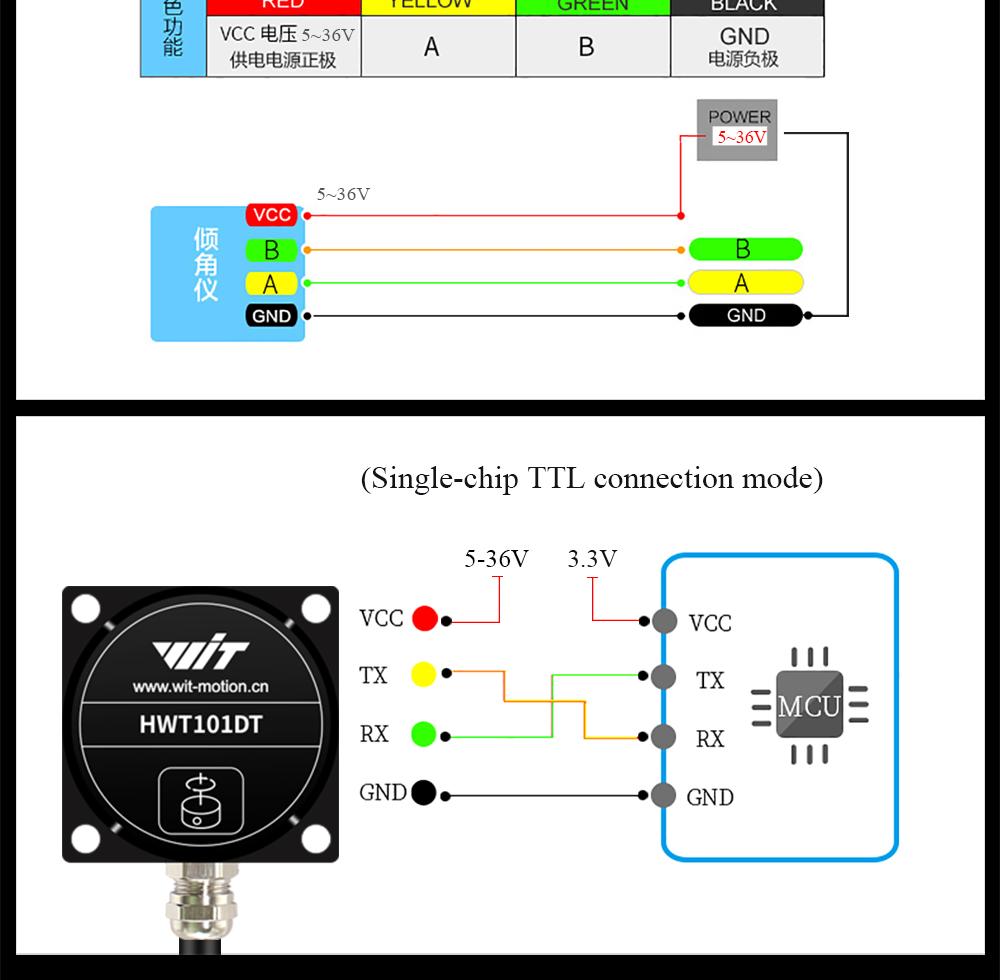
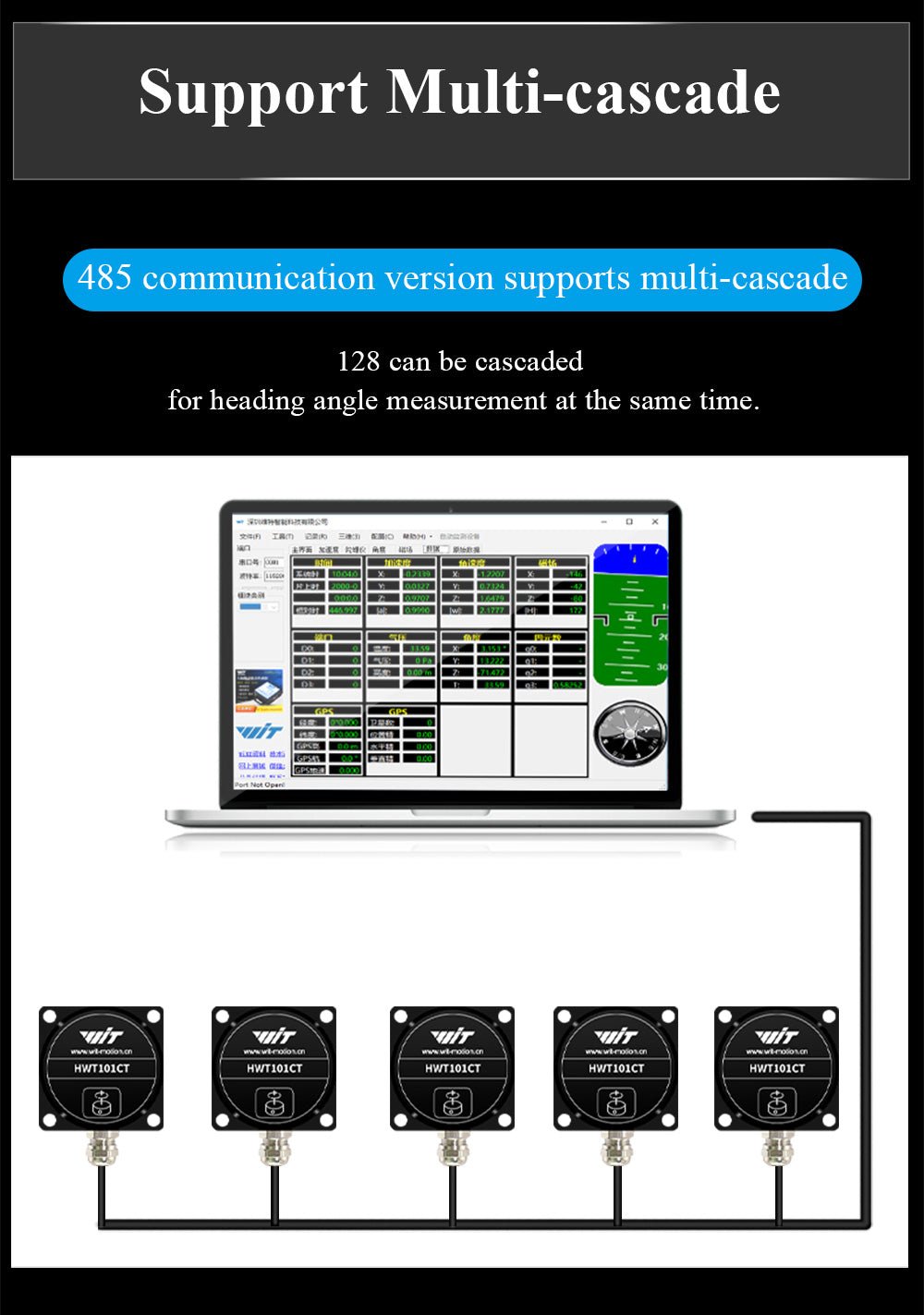
Communication TTL Serial, RS-232, RS-485
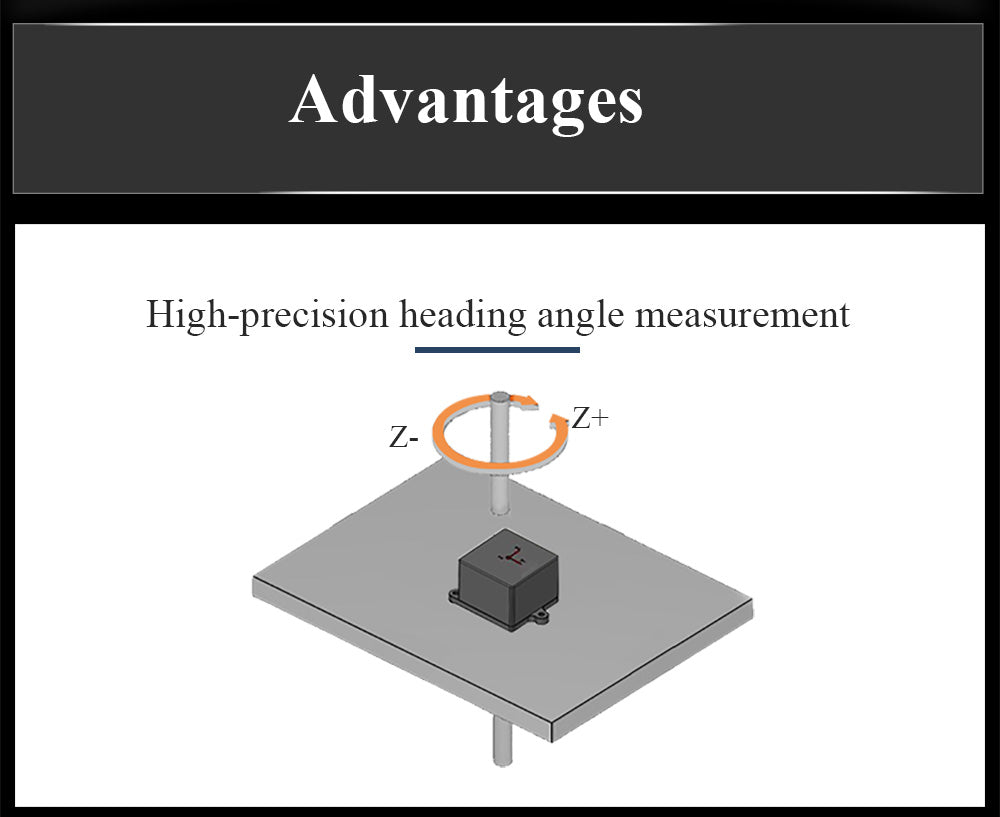
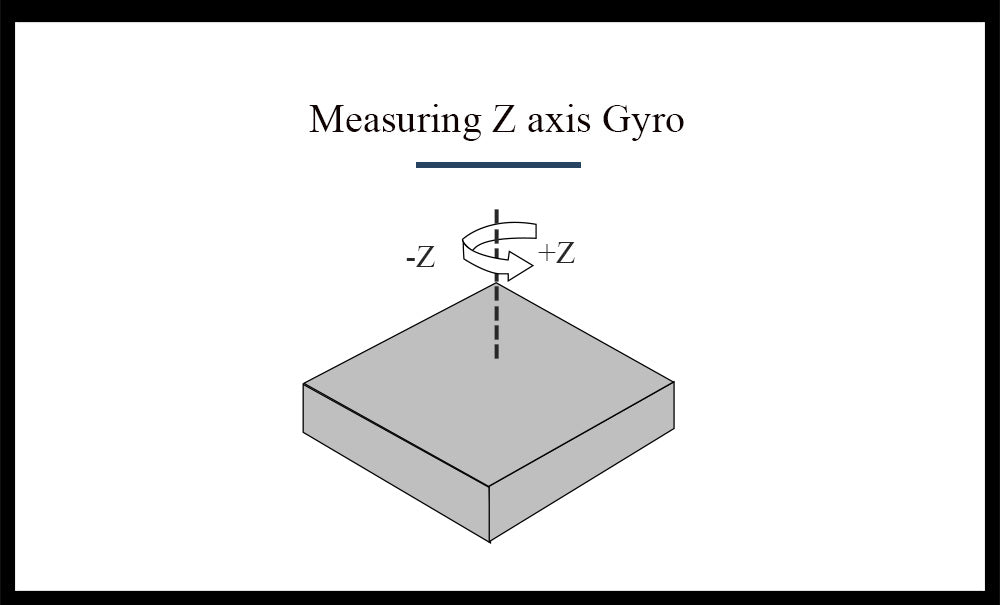
Output content Z-axis Heading Angle, Z-axis Angular Velocity
Range Gyroscope: ±400°/s, Z-axis: ±180°
Z-axis Accuracy 0.1° (no magnetic field interference)
Output frequency 0.2-1000Hz (RS-485 Polling Mode)
Baud Rate 4800-230400
Operating Temperature -40°C ~ +85°C
Dimensions 45*45*17.5mm
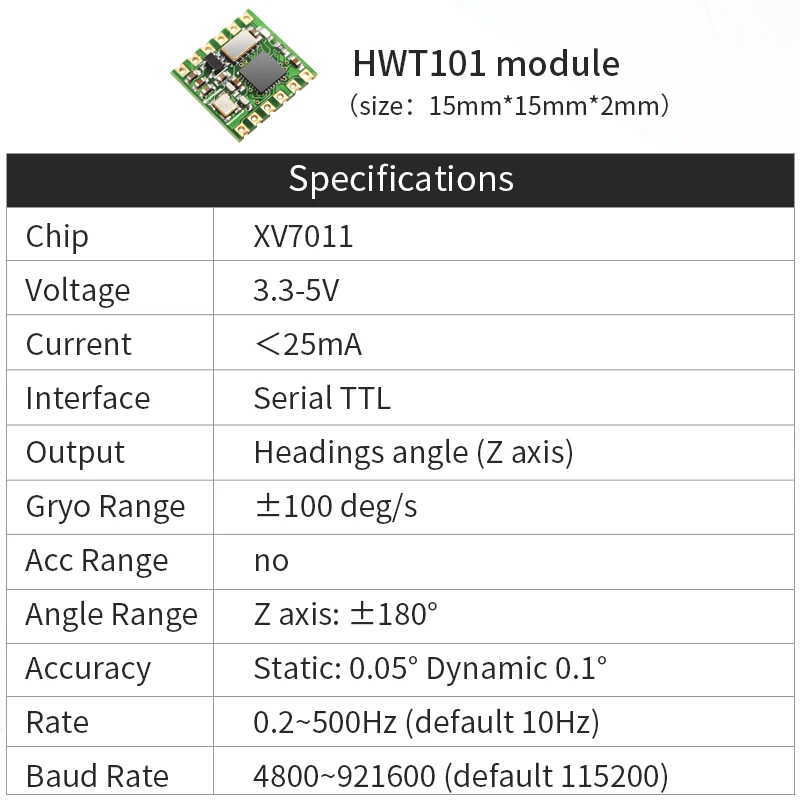
Product HWT101
Operating Voltage 3.3-5V
Current <25mA
Communication TTL Serial, I²C Interface
Output content Z-axis Heading Angle, Z-axis Angular Velocity
Range Gyroscope: ±400°/s, Z-axis: ±180°
Z-axis Accuracy 0.1° (no magnetic field interference)
Output frequency 0.2-500Hz
Baud Rate 4800-230400
Operating Temperature -40°C ~ +85°C
Dimensions 15.24*15.24*2mm

Technical Documentation

Click "View" to open the document in WitMotion Drive.

Universal Software & Drivers
View
STM32F103C8T6_TTL
View
STM32F103C8T6_IIC
View
Python
View
HWT101CT-TTL 232 Manual
View
HWT101CT-TTL 232 Datasheet
View
HWT101CT-TTL 232 REAM ME
View
HWT101CT-CAN Product Specifications
View
HWT101CT-CAN communication protocol
View
HWT101CT-485
View
HWT101CT-485 REAM ME
View
ESP32_sdk
View
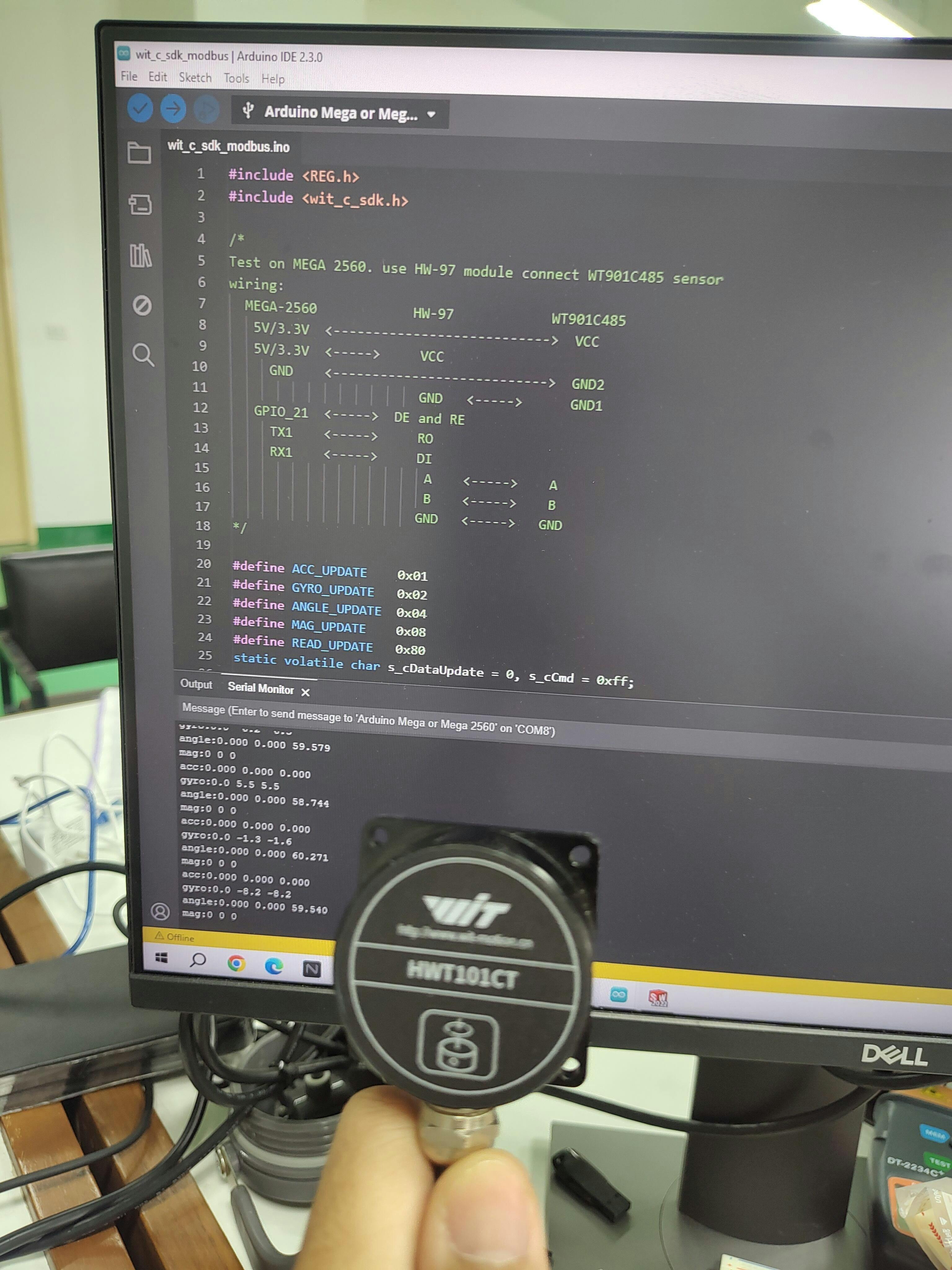
Arduino--MEGA 2560
View
101CT-485 modbus protocol
View
What to do if the angle keeps increasing or decreasing when the device is stationary?

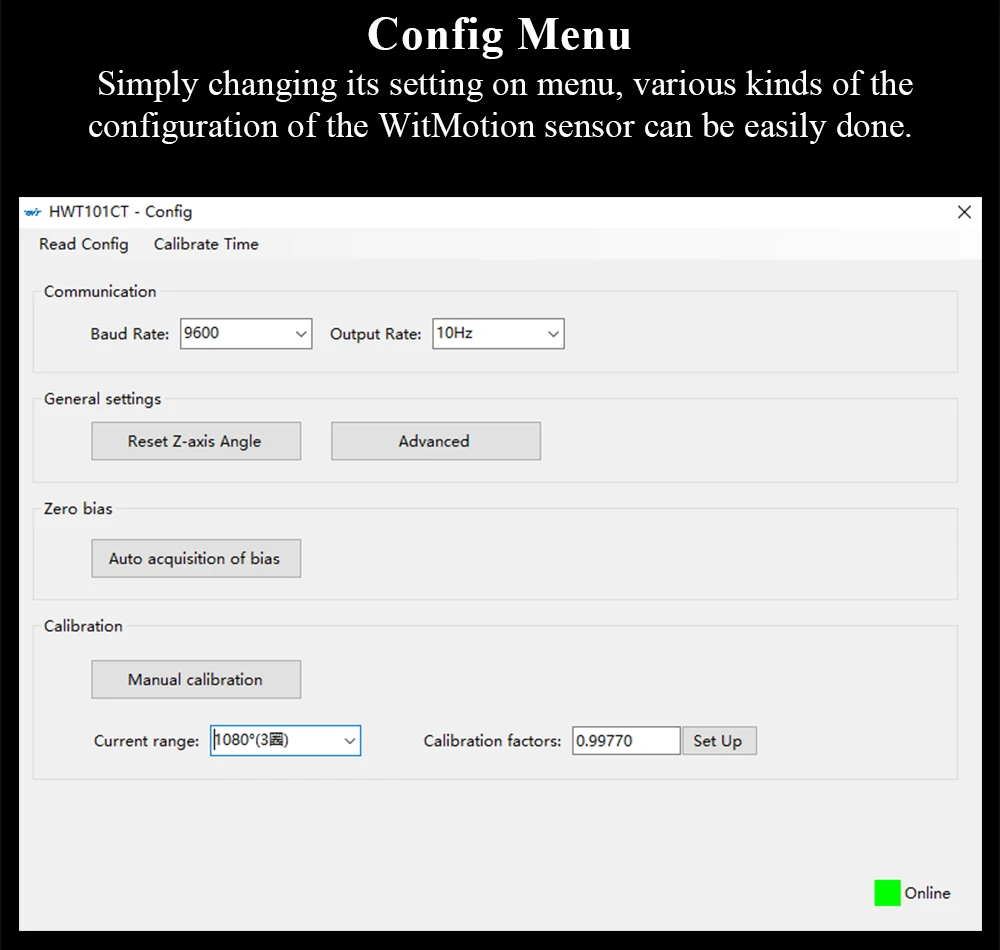
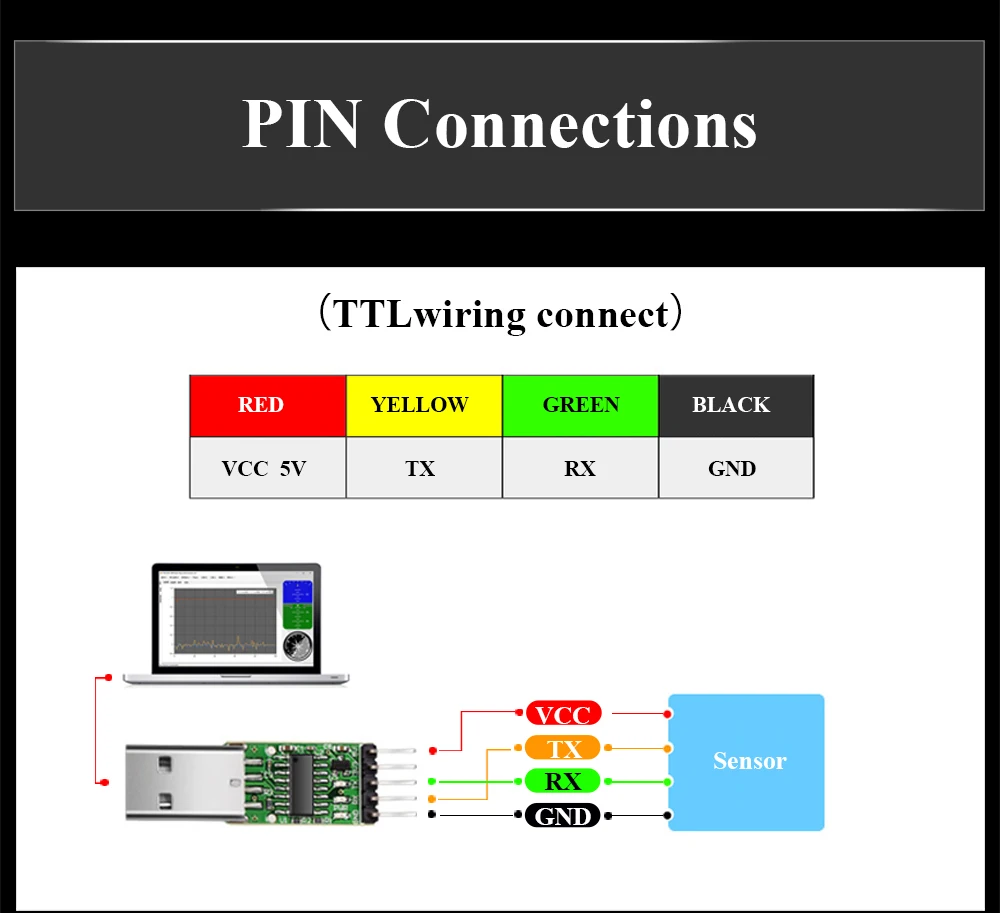
If the module is not connected through a microcontroller, connect it directly to the module using a USB-TTL adapter. Then, in the PC software, select the model HWT101CT. After the data appears, click the "Configuration" button in the top right corner. In the configuration interface, check that the bottom right corner shows "Online" status. Then click "Auto Zero Bias Calibration" and wait for it to complete. Note: Modifications or settings will only take effect when the configuration interface is online. If it is offline, changes will not apply. In this case, check for cold solder joints, poor soldering, or issues with the adapter.
If the module is connected through a microcontroller, you need to implement the auto zero bias calibration commands in your own program. The specific commands are as follows, or you can refer to our STM32 or Arduino API libraries, which allow you to send the corresponding characters directly via the UART Interface to complete the calibration. 1) Auto Zero Bias Calibration: FF AA 48 01 00; 2) Delay 20s; 3) Normal Mode command: FF AA 48 00 00.

STM32F103C8T6_TTL

https://drive.google.com/file/d/1u36glWBllMEwArTKOcle3y5h9NytjctU/view?usp=drive_link

Arduino--MEGA 2560.rar

https://drive.google.com/file/d/1HxDDyIUi8smaYEiDBc4G4icRtJ2YnSmi/view?usp=drive_link


Can angle accuracy be guaranteed in high-vibration environments?

In environments with significant vibration, angle accuracy cannot be guaranteed. You can try adjusting the threshold values, but it depends on the actual measurement in the specific environment. Generally, micro-vibrations are acceptable for applications such as model cars and robots.

Why are the data printed in the serial port assistant different from the data seen in the PC software when connected to a microcontroller?

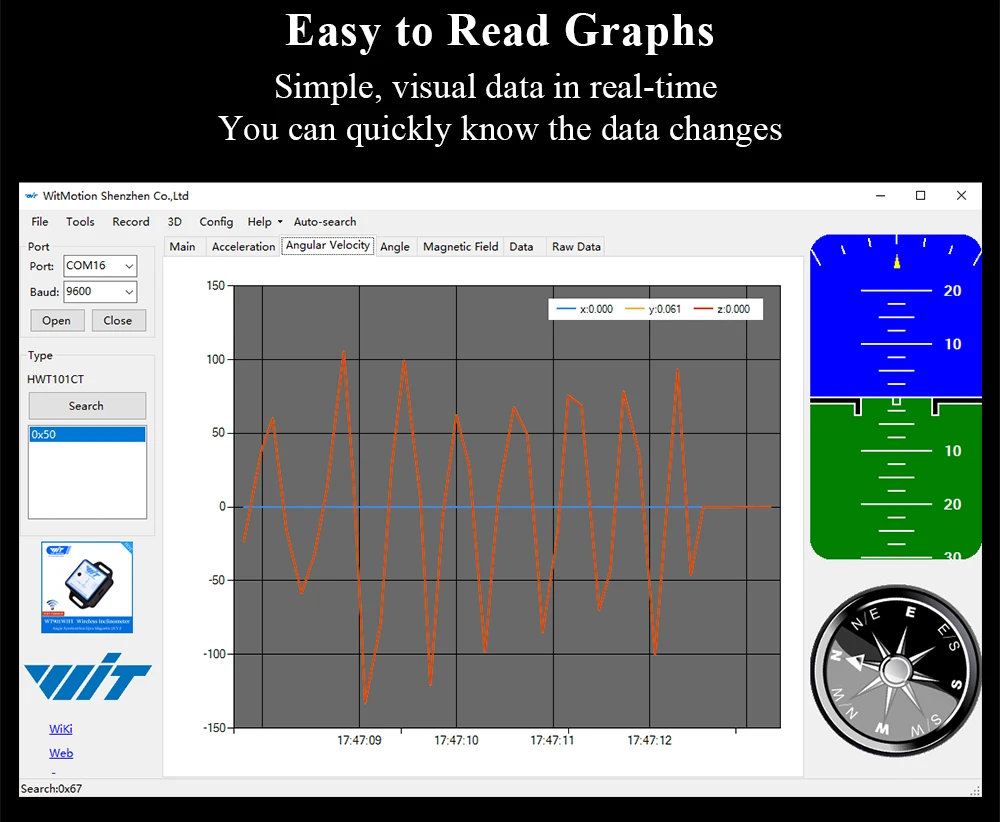
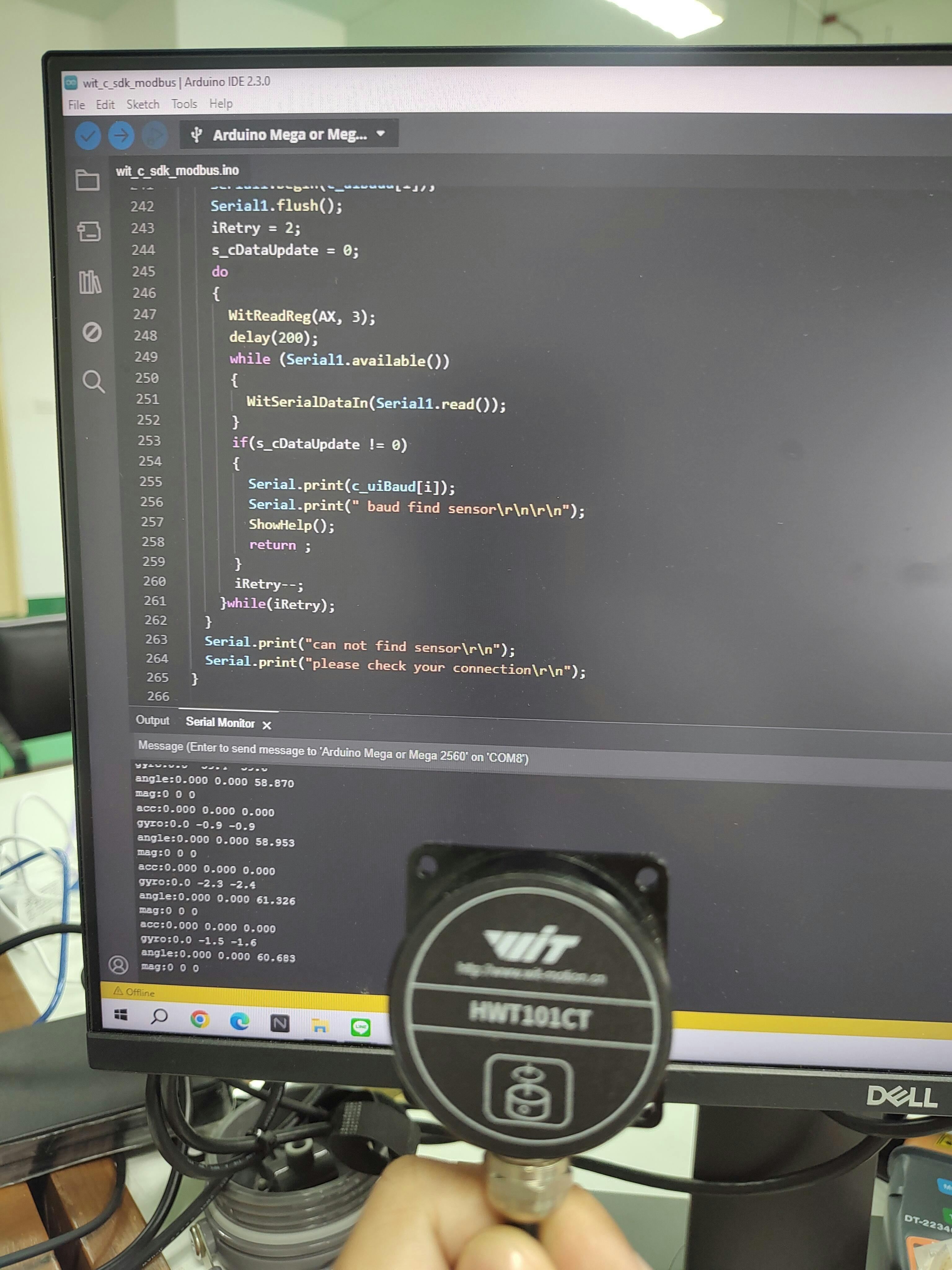
When the module is connected to a microcontroller, view the data directly in the serial port assistant, not in the PC software. The data passing through the microcontroller has already been parsed and is output in ASCII format. If you need to view data in the PC software, connect the sensor directly to the USB-TTL adapter without going through the microcontroller.

Can the Gyroscope be used as a compass? Will the data be saved after power-off?

It is calculated through angular velocity integration and does not include a Magnetometer. It can measure the Heading Angle, but it is only suitable for horizontal motion, not spatial motion. Spatial motion will cause angle drift. The data will be saved after power-off (Non-Volatile).